

What the AI scores
The AI rates Candidates on a 1 to 5 scale, from Poor (1) and Below Avg (2) to Average (3), Good (4), and Excellent (5), across four criteria:- Grammar & Syntax
- Vocabulary & Expression
- Communication Effectiveness
- Conversational Flow
Customize the scoring rubric
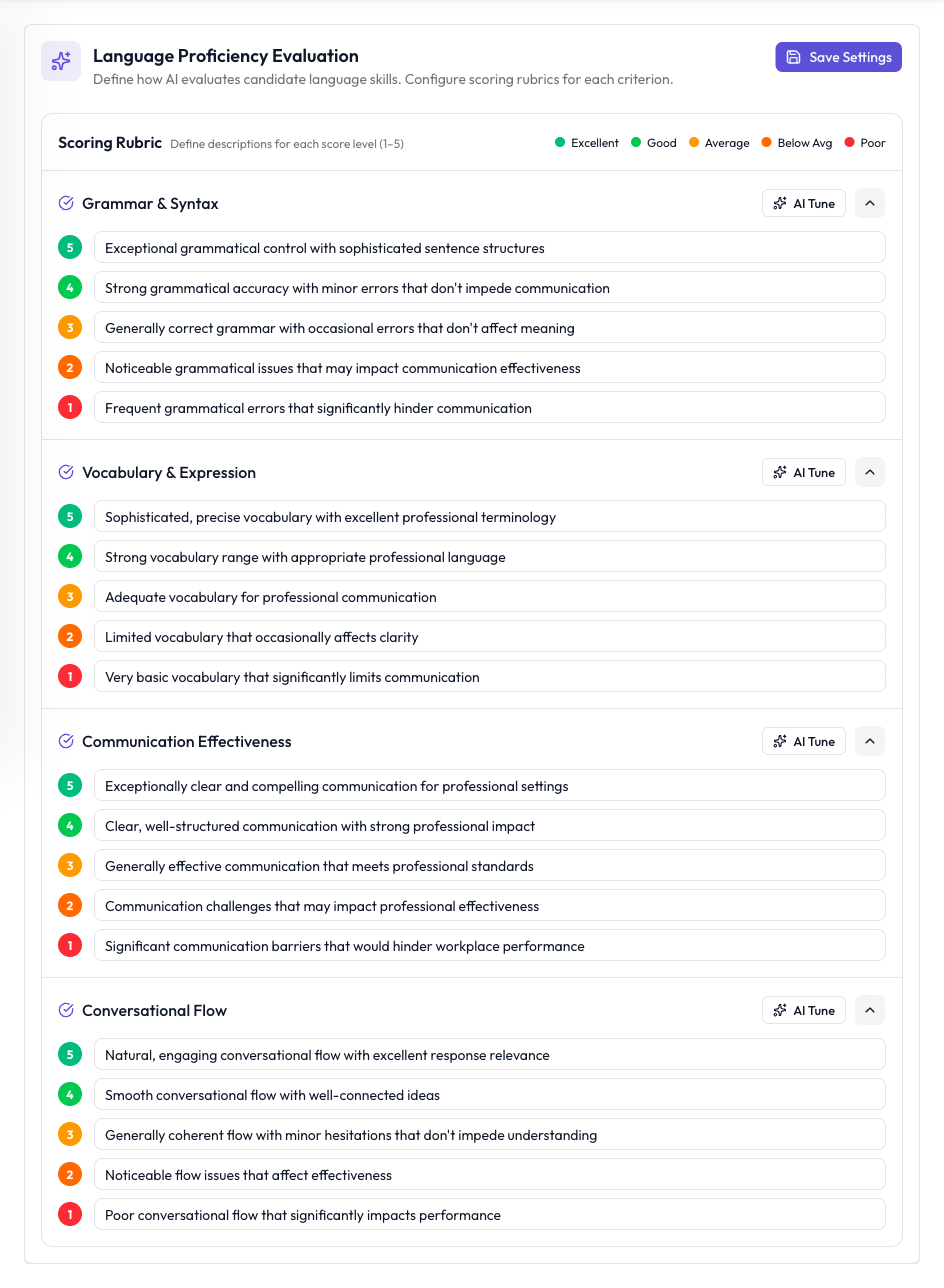
Define what each score means for the four language criteria.
1
Open the Language tab
Open your Interviewer and click the Language tab.
2
Edit the descriptions
Under Scoring Rubric, each criterion has a description for every score from 1 to 5. Edit any description (up to 300 characters) to describe what that score means for your role.
3
Use AI Tune (optional)
Click AI Tune on a criterion to have the AI rewrite its descriptions to match your job title, role, and job description.
4
Save
Click Save Settings.